Staying Safe Online: Protecting Your Data
About this lesson: This is a B2 (Upper Intermediate) ESL lesson in the General English category. It takes about 60 minutes. It includes 5 vocabulary words, 4 idioms and phrasal verbs, a reading text, comprehension questions, discussion questions and speaking patterns. Suits one-to-one or small-group online classes. Free to open and teach with no login, and it prints as a PDF.
Print just the discussion questions
How this lesson is built
This is a complete conversation lesson built on a scientific pedagogical formula, not a generic worksheet: recall prior topic vocabulary, pre-teach the new words in depth, read in context, practise active recall with flashcards and synonyms/antonyms, build accuracy with exercises, and finish with deep discussion.
- Warm-up: Discussion questions that connect the topic to the student’s own life and recall vocabulary they already know about the subject.
- Reading: A text written for this CEFR level that uses each new word two or three times in context, giving the student something meaningful to react to.
- Key vocabulary: 5 new words, pre-taught before the reading with a definition, pronunciation guide, example sentences and a picture, plus word families, usage notes, recall flashcards and synonyms/antonyms, giving a solid grounding before reading.
- Comprehension: 5 questions that check the new words: retrieval practice, not rereading.
- Idioms and phrasal verbs: Expressions taken from the reading, each with its meaning, an example and a speaking question.
- Sentence frames: 3 speaking patterns, each at three levels of support (emerging, developing, expanding) with model answers—especially helpful scaffolding for beginners and less confident speakers.
- Gap-fill: The new words again, in a shuffled order, so the student recalls them by meaning in context.
- Sentence unscramble: Natural sentences with the new words to put back in order, reinforcing grammar and collocation.
- Discussion: 5 open questions designed to talk deeply about the subject while actively using the lesson’s target vocabulary: the heart of a conversation lesson.
- Quiz: A short retrieval check that brings every new word back once more.
Unlike a generic worksheet, the new words are taught before the reading and met again in the activities, the speaking is supported at three levels and most of the time goes on the student talking. Teachers who use PlanWise ESL also get per-student vocabulary tracking (recycling earlier words into future readings and questions), a private learner dashboard with flashcards and custom lesson creation, and a downloadable study PDF.
Warm-up Activity
Think about your own digital life before we start. How much of your personal information is online, and how careful are you about it?
- How many accounts do you think you have online? More than ten?
- Do you use the same password for everything, or are you more careful?
- Have you ever received a strange email asking for your details? What did you do?
- What would worry you most if hackers got your data?
- Do you think you're careful enough with your personal information, honestly?
Reading Text: The Day the Password Stopped Working
A short story about a data breach, and what it teaches us about staying safe online.
Last spring, Marta received an email that looked completely normal. It came from her bank, and it asked her to confirm her account details. She clicked the link without thinking. Within hours, her email was hacked, and the criminals had full access to her messages, photos and saved passwords.
Marta felt vulnerable in a way she had never experienced before. Someone knew her private information, and there was nothing she could do to take it back. The company later admitted there had also been a breach on their side, which means unauthorized people got into their systems and stole customer data.
Experts say most attacks succeed because of simple human mistakes, not clever technology. People overlook small warning signs, like a strange web address or an unusual request. Hackers know this, and they design their emails to look as real as possible. One careless click can undo years of careful habits.
So how can we safeguard our information? Security professionals suggest a few basic steps: use a different password for every account, turn on two-step verification, and be wary of any message that creates urgency, like 'act now or lose access'. They also recommend checking which apps have access to your accounts and removing the ones you don't use.
Marta's experience changed her. She now uses a password manager and double-checks every email. 'I used to think attacks only happened to careless people,' she says. 'Now I understand that everyone is a target. The question isn't if someone will try, but when.' Her advice is simple: assume you are a target, and act like it.
Key Vocabulary
vulnerable
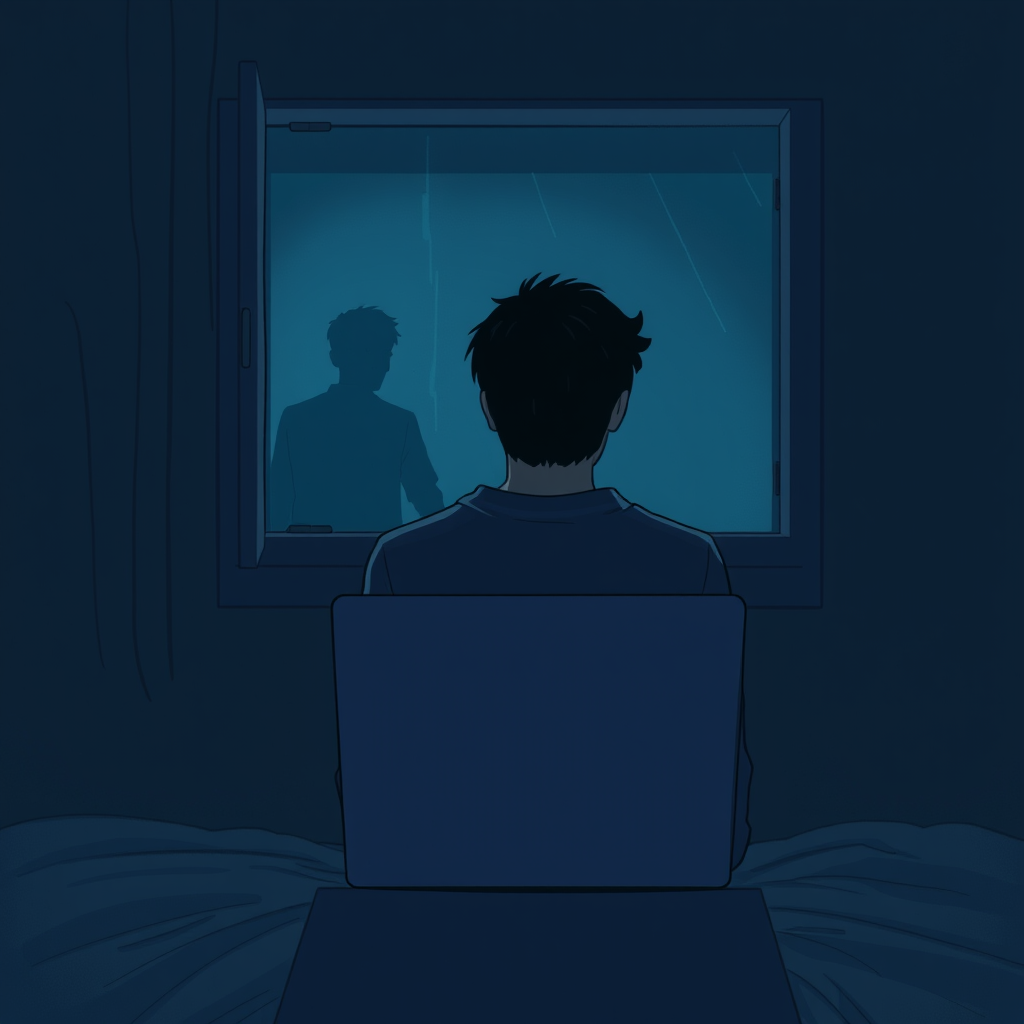
easily hurt, attacked or harmed because you are not protected
Old passwords leave your accounts vulnerable to hackers.
More examples: The company was vulnerable because it never updated its software. • I feel vulnerable when I use public Wi-Fi for banking. • Without a backup, her photos were vulnerable to being lost.
Common collocations: feel vulnerable, vulnerable to attack, leave someone vulnerable
Word family: vulnerability, vulnerably
Synonyms: exposed, at risk, defenseless
Antonyms: protected, secure
Related concepts: risk, weakness, safety
Contexts: cybersecurity, health, personal feelings
Usage note: Often followed by 'to': vulnerable to attacks, vulnerable to fraud. Used for people, systems and information.
breach

an act of getting into a protected system or breaking a rule
The company reported a breach that exposed millions of passwords.
More examples: A data breach can cost a company both money and trust. • Sharing your colleague's private files would be a breach of trust. • After the breach, everyone had to change their passwords.
Common collocations: data breach, security breach, a breach of trust
Word family: breach (verb), breached
Synonyms: violation, break-in, leak
Antonyms: protection, defense
Related concepts: hacking, security, privacy
Contexts: cybersecurity, law, business news
Usage note: Very common in news about hacking: 'a major data breach'. Also used for breaking rules or agreements.
safeguard
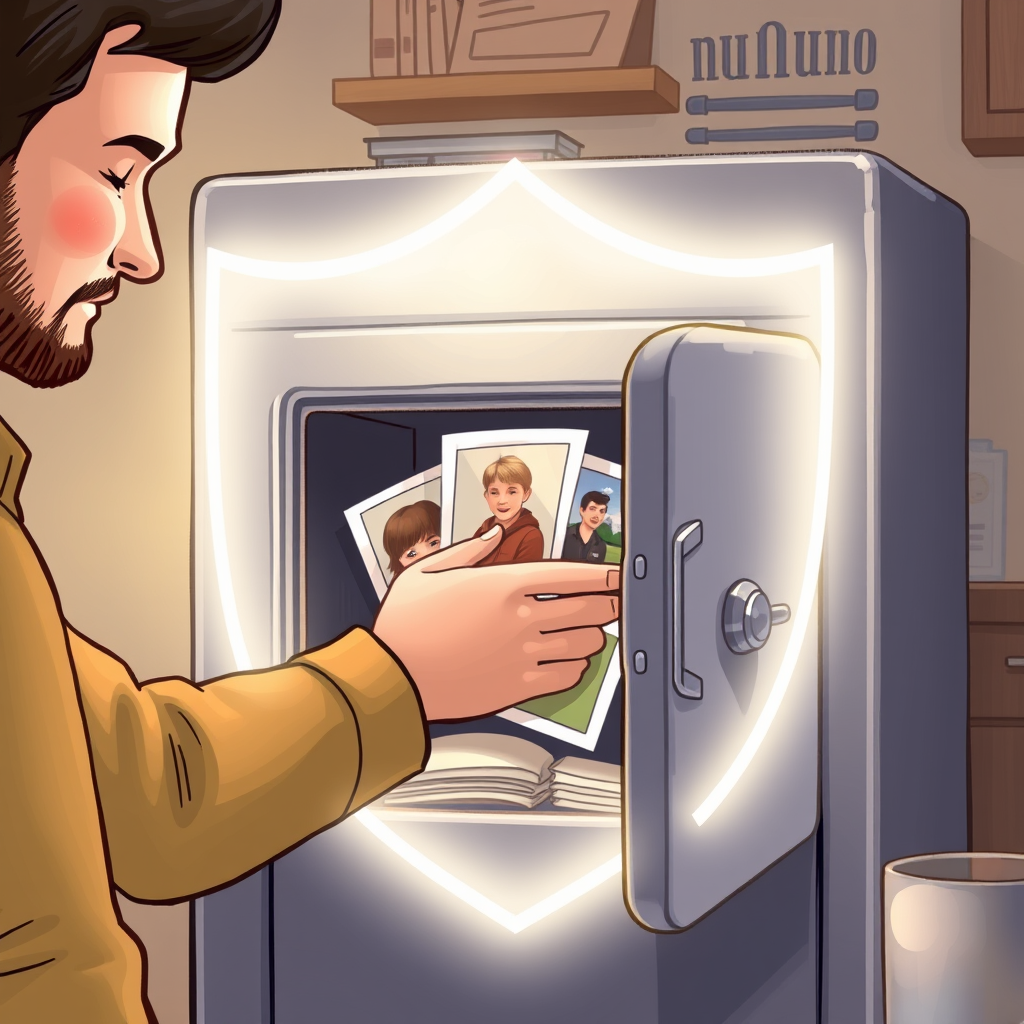
to protect something from harm or danger
Two-step verification helps safeguard your accounts.
More examples: Back up your files regularly to safeguard your work. • New laws were introduced to safeguard people's privacy. • Strong passwords are one way to safeguard your identity online.
Common collocations: safeguard your data, safeguard against fraud, laws to safeguard privacy
Word family: safeguard (noun), safeguarding
Synonyms: protect, defend, secure
Antonyms: endanger, expose
Related concepts: security, privacy, prevention
Contexts: cybersecurity, workplace, law
Usage note: Slightly more formal than 'protect', common in professional and news contexts. Often followed by 'against'.
wary
careful because you think something might be dangerous or dishonest
Be wary of emails that rush you into clicking a link.
More examples: She's wary of free apps that ask for too many permissions. • I've become wary of phone calls from unknown numbers. • Investors are wary of companies with unclear security policies.
Common collocations: be wary of, wary about, grow wary of
Word family: wariness, warily
Synonyms: cautious, careful, suspicious
Antonyms: trusting, careless
Related concepts: doubt, caution, scams
Contexts: online safety, shopping, relationships
Usage note: Almost always used with 'of' or 'about'. It means careful suspicion, not fear. 'Wary of strangers', 'wary of promises'.
overlook
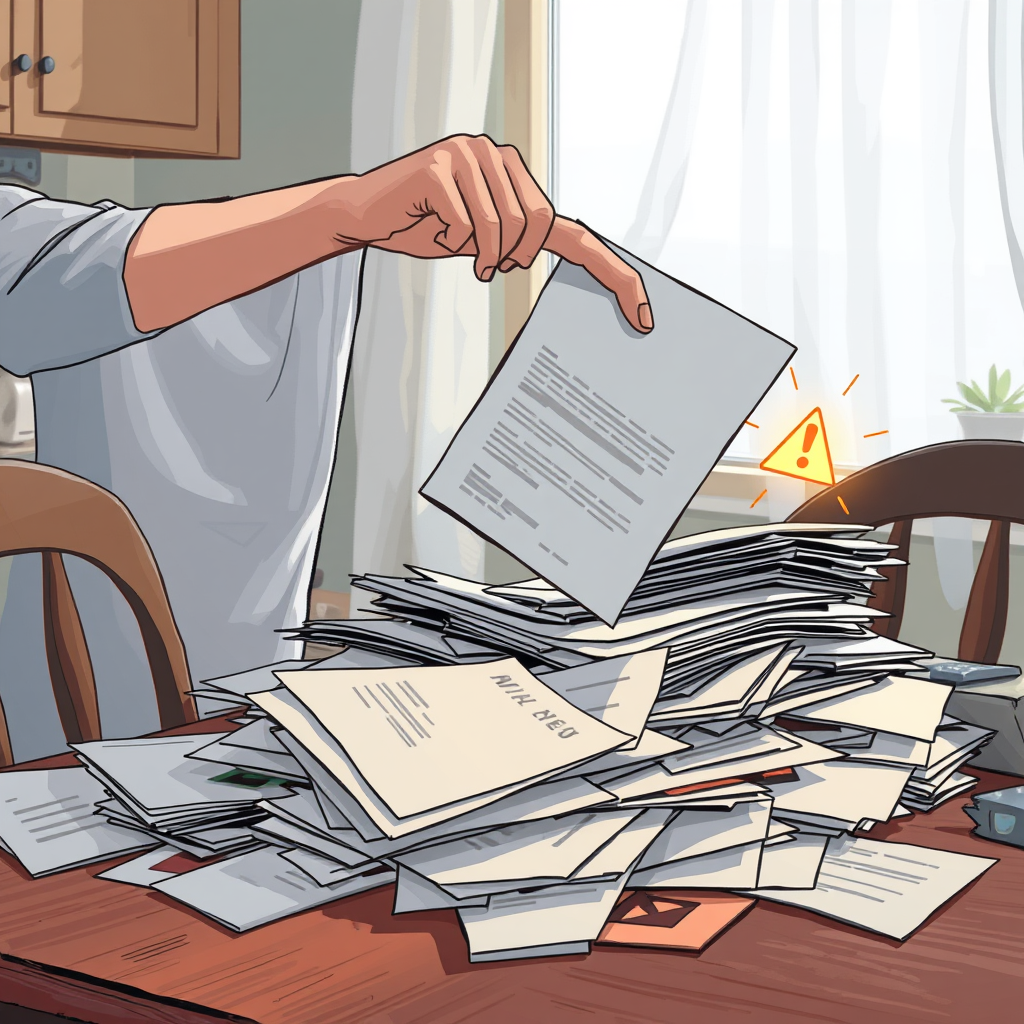
to not notice something, or to ignore it by mistake
Many people overlook small warning signs before an attack.
More examples: Don't overlook the small padlock icon in your browser. • The report overlooked one important risk: old software. • In a hurry, he overlooked a suspicious detail in the email.
Common collocations: overlook a detail, overlook a risk, easily overlooked
Word family: overlooked, overlooking
Synonyms: miss, neglect, ignore
Antonyms: notice, spot, consider
Related concepts: mistakes, attention, details
Contexts: work, safety, everyday life
Usage note: It means missing something unintentionally, not choosing to ignore it. Don't confuse with 'oversee', which means to manage something.
Vocabulary Check
- What does 'vulnerable' mean?
- Completely safe from harm
- Easily hurt or attacked because you are not protected
- Angry about something
- Very fast and modern
- Which sentence uses 'breach' correctly?
- She breached a great time at the party.
- A breach let hackers into the company's systems.
- He breach the ball over the wall.
- They bought a breach for the garden.
- In which situation would you use 'safeguard'?
- When you forget a password on purpose
- When you take steps to protect something valuable
- When you send a message to a friend
- When you buy a new phone
- If you are 'wary' of something, how do you feel about it?
- Very excited about it
- Completely sure it is safe
- Carefully suspicious that it might be risky
- Angry and upset
- What does it mean to 'overlook' something?
- To watch it very carefully
- To miss it or fail to notice it
- To look at it from above
- To fix it immediately
Idioms & Phrasal Verbs
fall for
to believe a trick or lie and be fooled by it
My uncle fell for a fake email last year and lost some money.
Usage note: It cannot be split: we say 'fell for it', never 'fell it for'. · Right: I almost fell for it. · Avoid: I almost fell it for.
Usage note: 'Fall for someone' can also mean to start loving them — the context tells you which meaning.
click on
to press on a link or button with the mouse or finger
I never click on links in messages from people I don't know.
Usage note: We say click ON a link or button, not just 'click a link' in careful English. · Right: I clicked on the link. · Avoid: I clicked the link on the email.
one careless click
a single small mistake can destroy a lot of careful work
It only took one careless click to lose all my files.
Usage note: You can use the same pattern with other words: 'one careless word', 'one bad decision'.
Usage note: It's a useful way to say that big damage comes from a tiny mistake — common in news and talk shows.
act like it
behave the way your words suggest you should
You say health is important, so act like it — go to bed earlier!
Usage note: Short and punchy: 'act like it' refers back to what was just said, so it comes after a statement.
Usage note: It can sound a bit direct or challenging — often used as friendly advice or a joke.
Language Practice: Talking About Risk and Safety
Practice expressing ideas about protecting your data and judging online risks.
- Comparing different views on online safety
- Emerging: Some people say ___, but I think ___. — Some people say passwords don't matter, but I think they do.
- Developing: Some people believe ___, but I'd argue that ___ because ___. — Some people believe big companies handle security for us, but I'd argue that we still need to safeguard our own accounts because no system is perfect.
- Expanding: While it's true that ___, I'm wary of that view because ___, so in my case ___. — While it's true that most breaches are caught quickly, I'm wary of that view because the damage happens in the first few hours, so in my case I check my accounts regularly.
- Weighing pros and cons of security habits
- Emerging: The good thing about ___ is ___, but the bad thing is ___. — The good thing about a password manager is convenience, but the bad thing is you have one master password.
- Developing: The main advantage of ___ is ___, although on the other hand ___. — The main advantage of a password manager is that every password is strong and different, although on the other hand you depend on one app.
- Expanding: On balance, ___ seems worth it because ___, even though ___, which means I'd have to ___. — On balance, a password manager seems worth it because it makes every account harder to breach, even though it means trusting one company, which means I'd have to pick one with a good security record.
- Imagining what you would do in a risky situation
- Emerging: If my account was hacked, I would ___. — If my account was hacked, I would change my password.
- Developing: If I noticed a suspicious email, I would ___ before ___. — If I noticed a suspicious email, I would check the sender's address before clicking anything.
- Expanding: If a company I use suffered a data breach, I would ___ and I'd also ___, because ___. — If a company I use suffered a data breach, I would change my password there and I'd also turn on two-step verification, because criminals often try stolen passwords on other sites.
Fill in the Blanks
Last year, a well-known shopping website suffered a serious _____, and the personal details of millions of customers ended up in the hands of criminals. The company admitted it had _____ed a basic weakness in its system - something a simple security check would have found. Customers felt _____, because their passwords and addresses were now public. In response, the company promised to _____ customer data better in the future, and experts advised everyone to be _____ of emails claiming to come from the shop. Many of those emails were fake, designed to trick worried customers one more time.
Word bank: vulnerable, breach, safeguard, wary, overlook
Sentence Unscramble
- many / people / overlook / the / warning / signs / of / a / phishing / email
- after / the / breach / the / company / promised / to / safeguard / its / customers / better
- be / wary / of / messages / that / pressure / you / to / act / quickly
Discussion Questions
Marta in the reading lost control of her email in just a few hours, all because of one click. Her private messages, photos and saved passwords were suddenly in a stranger's hands. Everyone's digital life contains things they wouldn't want a stranger to see - not necessarily anything dramatic, just personal things.
If a stranger could read everything in your email or messages right now, what would worry you most? Why?
Some people write all their passwords in a notebook next to their computer. Others use the same easy password everywhere because it's convenient. Security experts say both habits leave people vulnerable, but millions of us do it anyway.
Which is more important to you: convenience or security? Has that changed as you've gotten older?
Companies collect huge amounts of data about us - what we buy, where we go, what we search for. They promise to safeguard it, but data breaches happen regularly, and sometimes the data is sold or shared in ways we never agreed to. Some people say we've already given up too much privacy; others say the benefits are worth it.
Do you think companies can be trusted with our data, or should governments do more to protect us?
Scammers are getting better at sounding real. They copy the style of your bank, your boss, even your family members. The classic warning signs still exist - urgency, strange addresses, requests for money - but it's easy to overlook them when you're busy or stressed.
Have you or someone you know ever almost fallen for a scam? What made you (or them) finally wary enough to stop?
Imagine the worst case: a hacker gets into your main account, locks you out, and demands money to give it back. Your photos, contacts and work files are all behind that one door. It sounds dramatic, but it happens to ordinary people every day, and preparation makes an enormous difference.
If your most important account was hacked tomorrow, would you be ready? What's the one thing you should change today?
Knowledge Check
- Which word means 'an attack where unauthorized people get into a protected system'?
- Safeguard
- Overlook
- Breach
- Wary
- True or false: 'If you overlook a warning sign, it means you noticed it and decided to ignore it.'
- True
- False
- Which sentence uses 'vulnerable' correctly?
- My account is vulnerable because I use the same password everywhere.
- I vulnerable my email last night.
- She is very vulnerable person at cooking.
- The vulnerable was quick and easy.
- What is the best advice if you want to 'safeguard' your accounts?
- Use one short password for everything
- Turn on two-step verification and use different passwords
- Click links in emails quickly to check them
- Share your password with a friend as a backup
- If a friend says 'Be wary of that website', what are they telling you?
- That the website is very fast
- That you should be careful because it might be risky
- That the website is closed today
- That you should visit it immediately
- If someone 'fell for' a scam, what happened?
- They reported it to the police
- They were tricked and believed it
- They fell down while using their phone
- They got their money back
Free to use with your students: Free to teach, screen-share, print and share with your students, with a credit to PlanWise ESL. Please do not sell it or republish it as your own. What you can do with free lessons.