Cybersecurity, Phishing, and Data Privacy in the Modern Office
About this lesson: This is a B2 (Upper Intermediate) ESL lesson in the General English category. It takes about 60 minutes. It includes 5 vocabulary words, 4 idioms and phrasal verbs, a reading text, comprehension questions, discussion questions and speaking patterns. Suits one-to-one or small-group online classes. Free to open and teach with no login, and it prints as a PDF.
Print just the discussion questions
How this lesson is built
This is a complete conversation lesson built on a scientific pedagogical formula, not a generic worksheet: recall prior topic vocabulary, pre-teach the new words in depth, read in context, practise active recall with flashcards and synonyms/antonyms, build accuracy with exercises, and finish with deep discussion.
- Warm-up: Discussion questions that connect the topic to the student’s own life and recall vocabulary they already know about the subject.
- Reading: A text written for this CEFR level that uses each new word two or three times in context, giving the student something meaningful to react to.
- Key vocabulary: 5 new words, pre-taught before the reading with a definition, pronunciation guide, example sentences and a picture, plus word families, usage notes, recall flashcards and synonyms/antonyms, giving a solid grounding before reading.
- Comprehension: 5 questions that check the new words: retrieval practice, not rereading.
- Idioms and phrasal verbs: Expressions taken from the reading, each with its meaning, an example and a speaking question.
- Sentence frames: 3 speaking patterns, each at three levels of support (emerging, developing, expanding) with model answers—especially helpful scaffolding for beginners and less confident speakers.
- Gap-fill: The new words again, in a shuffled order, so the student recalls them by meaning in context.
- Sentence unscramble: Natural sentences with the new words to put back in order, reinforcing grammar and collocation.
- Discussion: 5 open questions designed to talk deeply about the subject while actively using the lesson’s target vocabulary: the heart of a conversation lesson.
- Quiz: A short retrieval check that brings every new word back once more.
Unlike a generic worksheet, the new words are taught before the reading and met again in the activities, the speaking is supported at three levels and most of the time goes on the student talking. Teachers who use PlanWise ESL also get per-student vocabulary tracking (recycling earlier words into future readings and questions), a private learner dashboard with flashcards and custom lesson creation, and a downloadable study PDF.
Warm-up Activity
Talk about your own experiences with online security before we look at the reading.
- Have you ever received an email or message that felt fake or strange? What happened?
- How many passwords do you have, and do you use the same one everywhere?
- Do you worry about your personal information being online? Why or why not?
- Has your company or school ever warned you about online scams?
- If a stranger asked for your bank details by email, what would you do?
Reading Text: One Click Away from Trouble
A short story about a phishing email that caused big problems at a small company, and what people can learn from it.
Last spring, Maria, an office manager at a small design company, received an email that looked completely normal. It appeared to come from her boss, asking her to check an invoice and click a link. The email used his name, his photo, and even his usual writing style. Nothing about it seemed suspicious at first glance.
Maria clicked the link and typed in her email password. Within minutes, the attackers had access to her account, and from there they sent similar fake emails to everyone in the company. It was a serious breach: customer names, contracts, and payment details were all exposed.
The company spent weeks dealing with the damage. They had to tell every customer what had happened, change dozens of passwords, and hire an outside expert to check their systems. Maria felt terrible. 'I thought I was careful online,' she said later. 'But I was vulnerable because I was busy and I trusted the email.'
Experts say Maria's story is very common. Phishing attacks like this one are now the most common way criminals get into company systems. They don't need clever technology; they just need one busy person to make one small mistake. That's why many companies now train their staff to slow down and check who really sent a message.
There are simple ways to safeguard yourself and your workplace. Check the sender's email address carefully, not just the name at the top. Never enter your password after clicking a link in an email. And if something feels off, ask a colleague before you act. As one security expert puts it: 'The best defense isn't software. It's a moment of doubt.'
Key Vocabulary
phishing

A fake email or message that tries to steal your information
She almost fell for a phishing email that looked like it came from her bank.
More examples: The company runs training to help staff spot phishing attempts. • That message is total phishing, delete it. • My dad got a phishing text about a package delivery last week.
Common collocations: a phishing email, a phishing scam, fall for phishing
Word family: phish (verb), phisher (noun)
Synonyms: scam, fraud, con
Antonyms: legitimate message, genuine email
Related concepts: online fraud, fake emails, identity theft
Contexts: work email, text messages, banking
Usage note: Use it for fake messages designed to steal passwords or card details. It's spelled with 'ph', not 'f'.
breach

When someone gets into a system or breaks a rule
The company announced a data breach that affected two million customers.
More examples: There was a security breach at the hospital last month. • Sharing that file was a breach of company policy. • After the breach, everyone had to change their passwords.
Common collocations: a data breach, a security breach, a breach of trust
Word family: breach (verb)
Synonyms: break-in, violation, leak
Antonyms: protection, security
Related concepts: hacking, data leaks, broken rules
Contexts: news reports, company announcements, legal documents
Usage note: Common in news about hacked companies. Also used for breaking rules or agreements, not just computer systems.
suspicious

Making you think something is wrong or not honest
The email had a suspicious link, so she didn't click it.
More examples: He got a suspicious call from someone claiming to be from the tax office. • There's something suspicious about that offer, it's too cheap. • I felt suspicious when they asked for my password.
Common collocations: suspicious email, look suspicious, suspicious activity
Word family: suspect (verb), suspicion (noun), suspiciously (adverb)
Synonyms: doubtful, shady, fishy
Antonyms: trustworthy, genuine, reliable
Related concepts: distrust, warning signs, scams
Contexts: emails, phone calls, strange offers
Usage note: Describes things that seem wrong or dishonest. A person can also be suspicious, meaning they don't trust easily.
vulnerable
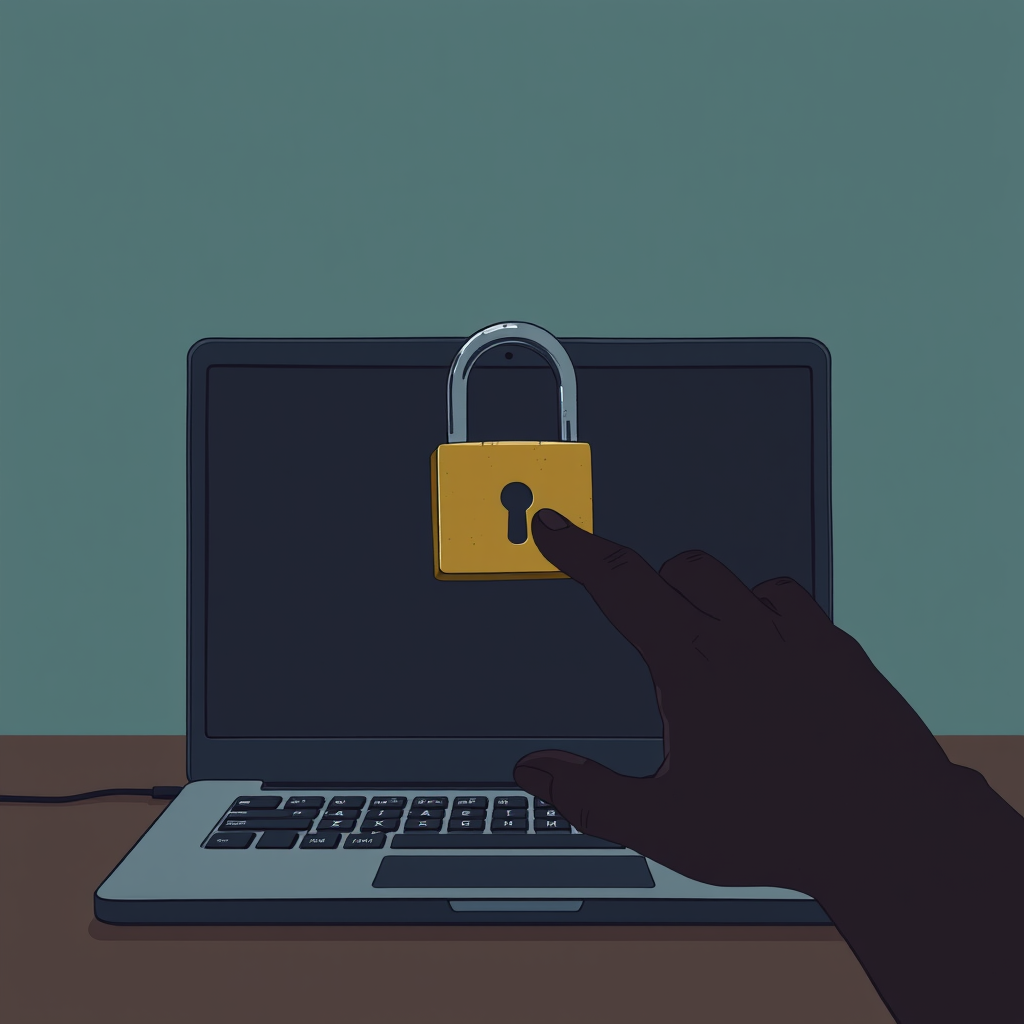
Easy to hurt, attack, or damage
Old software is vulnerable to attacks from hackers.
More examples: People in a hurry are vulnerable to scams. • The system was vulnerable because nobody updated it. • She felt vulnerable sharing personal information online.
Common collocations: vulnerable to attacks, feel vulnerable, vulnerable groups
Word family: vulnerability (noun)
Synonyms: exposed, weak, at risk
Antonyms: protected, secure, strong
Related concepts: weak points, risk, openness
Contexts: computer systems, personal feelings, news about attacks
Usage note: Used for systems, people, and feelings. Often followed by 'to': vulnerable to something.
safeguard

To protect something from harm or damage
Use two-step verification to safeguard your accounts.
More examples: Companies must safeguard customer data. • Strong passwords help safeguard your information. • New rules were introduced to safeguard workers' rights.
Common collocations: safeguard your data, safeguard privacy, safeguards against fraud
Word family: safeguard (noun)
Synonyms: protect, defend, shield
Antonyms: expose, endanger, harm
Related concepts: protection, privacy, safety rules
Contexts: workplace policies, data privacy, personal habits
Usage note: Slightly more formal than 'protect', common in work and news contexts. Often used with data, rights, or interests.
Vocabulary Check
- What does 'phishing' mean?
- A way to make your computer faster
- A fake message that tries to steal your information
- A type of strong password
- A program that blocks spam
- Which sentence uses 'breach' correctly?
- The hackers caused a breach in the company's security.
- She breached a breach at the office yesterday.
- He breached because the weather was nice.
- They breached the meeting until 5 p.m.
- In which situation would you use 'suspicious'?
- When a friend invites you to dinner
- When an email from your bank asks for your password by clicking a strange link
- When you finish a project early
- When your team wins a match
- What does 'vulnerable' mean?
- Very fast and modern
- Completely hidden from everyone
- Easy to hurt, attack, or damage
- Extremely expensive
- Which sentence uses 'safeguard' correctly?
- She safeguarded her account by turning on two-step verification.
- He safeguarded because he was tired.
- They safeguarded the meeting for two hours.
- I safeguarded my lunch at noon.
Idioms & Phrasal Verbs
at first glance
when you look at something quickly for the first time
At first glance, the email looked real, but the sender's address was strange.
Usage note: The picture: a glance is one quick look with your eyes. It often suggests the first look was wrong or incomplete.
get into
to enter a place or system, often without permission
Someone tried to get into my bank account last year, but the bank stopped them.
Usage note: The small word 'into' shows movement from outside to inside — physical places, buildings, or online accounts.
Usage note: Don't confuse it with 'get in', which has no object: 'They got in.' vs 'They got into the system.'
deal with
to handle or take care of a problem
I spent the whole morning dealing with a customer complaint.
Usage note: This one can't be split: say 'deal with the problem', not 'deal the problem with'. · Right: I'll deal with it tomorrow. · Avoid: I'll deal it with tomorrow.
feel off
something seems strange, wrong or not right
The message said my account would close today, which felt off, so I called the bank.
Usage note: Informal and very common in conversation. 'Off' here means 'not quite right', like food that has gone off.
Usage note: Often used with 'something' or 'it': 'Something feels off about this deal.'
Language Practice: Talking About Online Security
Practice expressing ideas about online security and privacy using these frames.
- Comparing different views on security
- Emerging: Some people say ___, but I think ___. — Some people say companies should handle security, but I think we all have a role.
- Developing: Some people say ___, but I think ___ because ___. — Some people say security is the IT team's job, but I think everyone is responsible because one click can cause a breach.
- Expanding: While some people argue that ___, I'd say ___, especially when ___. — While some people argue that companies should handle all security, I'd say individuals matter just as much, especially when one careless click can expose everyone's data.
- Weighing pros and cons
- Emerging: One advantage is ___. One disadvantage is ___. — One advantage is convenience. One disadvantage is less privacy.
- Developing: The main advantage of ___ is ___, but the downside is that ___. — The main advantage of storing everything in the cloud is easy access anywhere, but the downside is that your data could be exposed in a breach.
- Expanding: On the one hand, ___; on the other hand, ___. Overall, I'd say ___ because ___. — On the one hand, companies need to monitor emails to catch phishing; on the other hand, that feels like an invasion of privacy. Overall, I'd say limited monitoring is fair because it protects everyone.
- Imagining situations and hypothetical reactions
- Emerging: If I got a suspicious email, I would ___. — If I got a suspicious email, I would delete it.
- Developing: If I got a suspicious email, I would ___ and then ___. — If I got a suspicious email, I would check the sender's address and then report it to IT.
- Expanding: If I got a suspicious email that looked real, I would ___ before ___, because ___. — If I got a suspicious email that looked real, I would contact the sender by phone before clicking anything, because fake emails can copy names perfectly.
Fill in the Blanks
Last month, a friend of mine almost lost money to a _____ scam. She got an email that looked like it came from her bank, but something about it felt _____, so she didn't click the link. It's a good thing, because her old phone was _____ to that kind of attack. If she had clicked, it could have caused a serious _____ of her personal information. Now she uses two-step verification to _____ all her accounts.
Word bank: phishing, suspicious, vulnerable, breach, safeguard
Sentence Unscramble
- the / company / announced / a / serious / data / breach / last / week
- she / didn't / click / the / suspicious / link / in / the / email
- strong / passwords / help / safeguard / your / personal / information
Discussion Questions
Maria's story shows how one convincing email can fool even careful people. Phishing messages today copy real logos, names, and writing styles, so they're much harder to spot than before. Some people say they would never fall for one, but the numbers suggest otherwise.
Do you think you could spot a phishing email? Have you ever almost fallen for one?
Companies collect a lot of information about their staff: work emails, messages, sometimes even location data. Managers say this helps catch problems early. Employees often feel it's like being watched all day. Different countries have different rules about this.
Should companies be allowed to monitor their employees' emails? Where would you draw the line?
After a breach, companies face a difficult choice: tell customers immediately, or stay quiet and fix the problem first. Being honest can damage trust and hurt sales, but hiding it can be much worse if the truth comes out later. Some companies have paid huge fines for staying silent.
If your company had a data breach, do you think it should tell customers right away? Why or why not?
Imagine you're on holiday and you get a text saying your bank account has been blocked and you need to confirm your details right away. The message looks official and there's a link. You're far from home and worried about your money.
What would you do in that situation? Would you click the link or find another way to check?
Some people share almost everything online: photos of their home, their holidays, even their workplace. Others share nothing at all. Sharing more can make life easier and more fun, but it can also give scammers useful information, like when you're away from home.
How much do you share online, and do you think people share too much these days?
Knowledge Check
- What is the main goal of a phishing attack?
- To make computers run faster
- To trick people into giving away personal information
- To send advertisements
- To fix security problems
- A 'data breach' means a company's information was exposed to unauthorized people.
- True
- False
- Which word describes a system that is easy to attack?
- Safeguard
- Suspicious
- Vulnerable
- Phishing
- To 'safeguard' your account means to make it weaker.
- True
- False
- According to the reading, what is the best defense against phishing?
- Expensive software
- A moment of doubt before acting
- Using only one password
- Answering emails quickly
- What does 'at first glance' mean?
- after studying something for a long time
- when you look at something a second time
- when you first look at something quickly
- when you refuse to look at something
Free to use with your students: Free to teach, screen-share, print and share with your students, with a credit to PlanWise ESL. Please do not sell it or republish it as your own. What you can do with free lessons.