Can You Use ChatGPT to Plan ESL Lessons? What Works and What to Check
ChatGPT ESLAI Lesson PlanningCEFR LevellingESL QualityTeaching Tools
ChatGPT is great for quick grammar explanations, emails, and translating phrases, but raw prompts often drift above the target CEFR level, break cloze exercises, and forget every student next week.
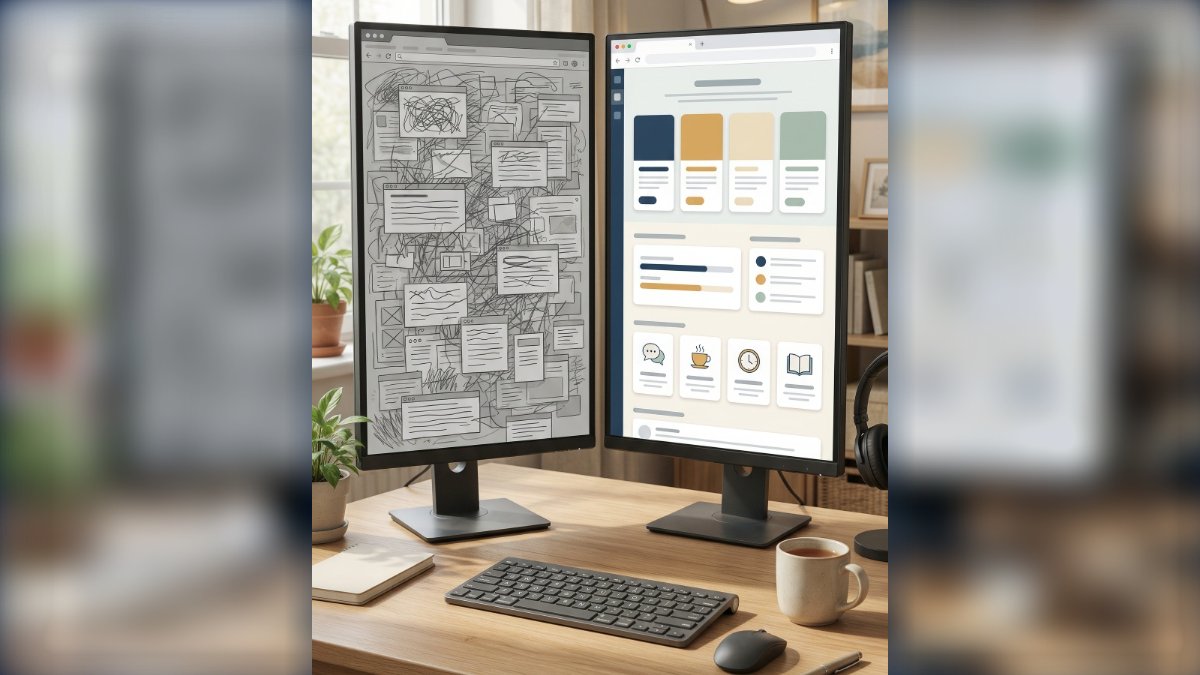
Yes, you can use ChatGPT to help with ESL teaching, and for quick one-off tasks—explaining a grammar point, checking a sentence or drafting a student feedback message—it works well. Where raw chatbots break down is building complete weekly conversation lessons: they frequently drift above your student's CEFR level, produce flawed exercises and forget every word you taught the moment you open a new chat.
When I speak to tutors on Preply, italki or in small language schools, nearly everyone has tried typing "Write me a B1 lesson about travel" into ChatGPT, Claude or Gemini. At first glance, the output looks impressive. Ten minutes into teaching it, the cracks appear.
Where General Chatbots Work Well vs. Where They Struggle
- Use ChatGPT, Claude or Gemini for ad-hoc classroom helpers: explaining why two idioms differ, translating a tricky L1 phrase, writing a short course blurb or generating five quick warm-up prompts when you only teach a couple of hours a week.
- Be careful relying on raw prompts for full weekly conversation lessons with ongoing students—especially at A1, A2 or B1—unless you are ready to spend 20 to 60 minutes auditing and reformatting the result.
A 6-Point Quality Checklist Before Teaching Any ChatGPT Lesson
If you already build lessons with a general chatbot, check these six things before screen-sharing:
| Check This First | Common Raw Chatbot Mistake | Target Rule to Enforce |
|---|---|---|
| 1. Definition difficulty | Writes a B2 definition using C1 words harder than the target word itself. | At A1, keep definitions under 8 words using the 500 most common words; at B2, write definitions in simple B1 words under 15 words. |
| 2. Reading familiarity (~96%) | Drops random C1 idioms or dense passive clauses into a B1 reading, breaking flow. | Keep unknown words to roughly 1 in 25 words (around 95–98% known: Hu & Nation, 2000; Laufer & Ravenhorst-Kalovski, 2010), using each target word 2–3 times in context. |
| 3. Shuffled gap-fill order | Puts gap 1–5 answers in the exact same order as the vocabulary list. | Shuffle gap order and check that only one word fits each gap cleanly by meaning and grammar. |
| 4. Word depth & collocations | Lists just word + definition with zero pronunciation, word families or common partners. | Include phonetic pronunciation, collocations, usage notes, multiple examples and synonyms/antonyms (Nation, 2013; Paivio, 1986). |
| 5. Speaking support for lower levels | Gives open discussion questions that leave A1/A2 speakers silent. | Add 3-tier sentence frames (emerging, developing, expanding) with model answers (Wood, Bruner & Ross, 1976). |
| 6. Cross-lesson memory | Teaches the same high-frequency B1/B2 words again three weeks later. | Log the words taught and avoid re-teaching them while weaving them naturally into later texts. |
"Is PlanWise ESL Just ChatGPT With a Wrapper?"
Teachers ask this fairly, so here is the straightforward answer. PlanWise ESL uses large language models behind the scenes to write—because modern models write natural English well. The difference is everything around the writing: fixed CEFR A1–C2 rules for reading length and definition simplicity, a consistent 8-stage pedagogical formula, per-student vocabulary tracking and recycling, semantic maps, automatic pictures, a zero-login student dashboard, a colour-coded Vocabulary Review PDF and section-by-section automated checks that repair broken questions before a teacher ever sees them.
Put simply: the model writes; PlanWise enforces the pedagogy and checks it was delivered.
You do not have to take that on trust. Inspect the side-by-side audit on our 9-point CEFR Quality Benchmark, read our honest PlanWise vs. ChatGPT comparison, or open live A1 and C1 examples right now with no login: First Day at a New Job (A1) and Delivering the Numbers (C1).
Frequently Asked Questions
How long does a PlanWise ESL lesson take compared to prompting ChatGPT?
Prompting, checking CEFR drift, fixing exercises and formatting a handout in a general chatbot commonly takes 20–60 minutes. PlanWise builds and checks a complete lesson in 1–2 minutes (with pictures following about a minute later while you teach the warm-up).
How does PlanWise ESL compare to ChatGPT Plus on price?
ChatGPT Plus is around $20/month. PlanWise ESL starts with a 5-day free trial (unlimited lessons, no credit card) and then costs $19.99/month Unlimited, cancel anytime—or for 20 monthly one-to-one classes, roughly $1 per complete, personalised lesson.
Can I still control which words appear in a lesson?
Yes. Before generating, you can type specific target vocabulary you want included, and PlanWise builds the five-word pre-teaching and lesson exercises around your list while avoiding words the student has already mastered.